AI Capabilities in HAP
HAP provides a comprehensive set of AI-powered capabilities to help organizations build applications, manage data, automate workflows, and improve productivity.
- AI Application Builder
- AI Worksheet Generation
- AI Sample Data Generation
- AI Record Creation
- AI Data Query
- ChatBot
- Vector Knowledge Base
- AI Custom Fields
- AI Agent
- AI Action
- AI Code Block Generation
- AI Knowledge Retrieval
- AI Text/Object Generation
- AI-Powered Application Localization
- Plugins
- HAP for VS Code
- Dify
Pricing
AI features in HAP follow the billing rules below:
| Billing Method | AI Features |
| Billing Method | AI Features |
|---|---|
| Always charged against credits | AI Agent node, AI Generate Text node, AI Generate Data Object node |
| AI free credits used first AI free credits are deducted first. If the balance is insufficient, organization credits are deducted instead. Organization administrators can disable credit usage for Mingo AI features in Credit Management. | Using Mingo to build apps, create worksheets, create records, generate sample data, optimize names and icons, and translate app content into other languages with AI |
| Currently free | AI Generate Code Block, AI Custom Field |
Features
AI Application Builder
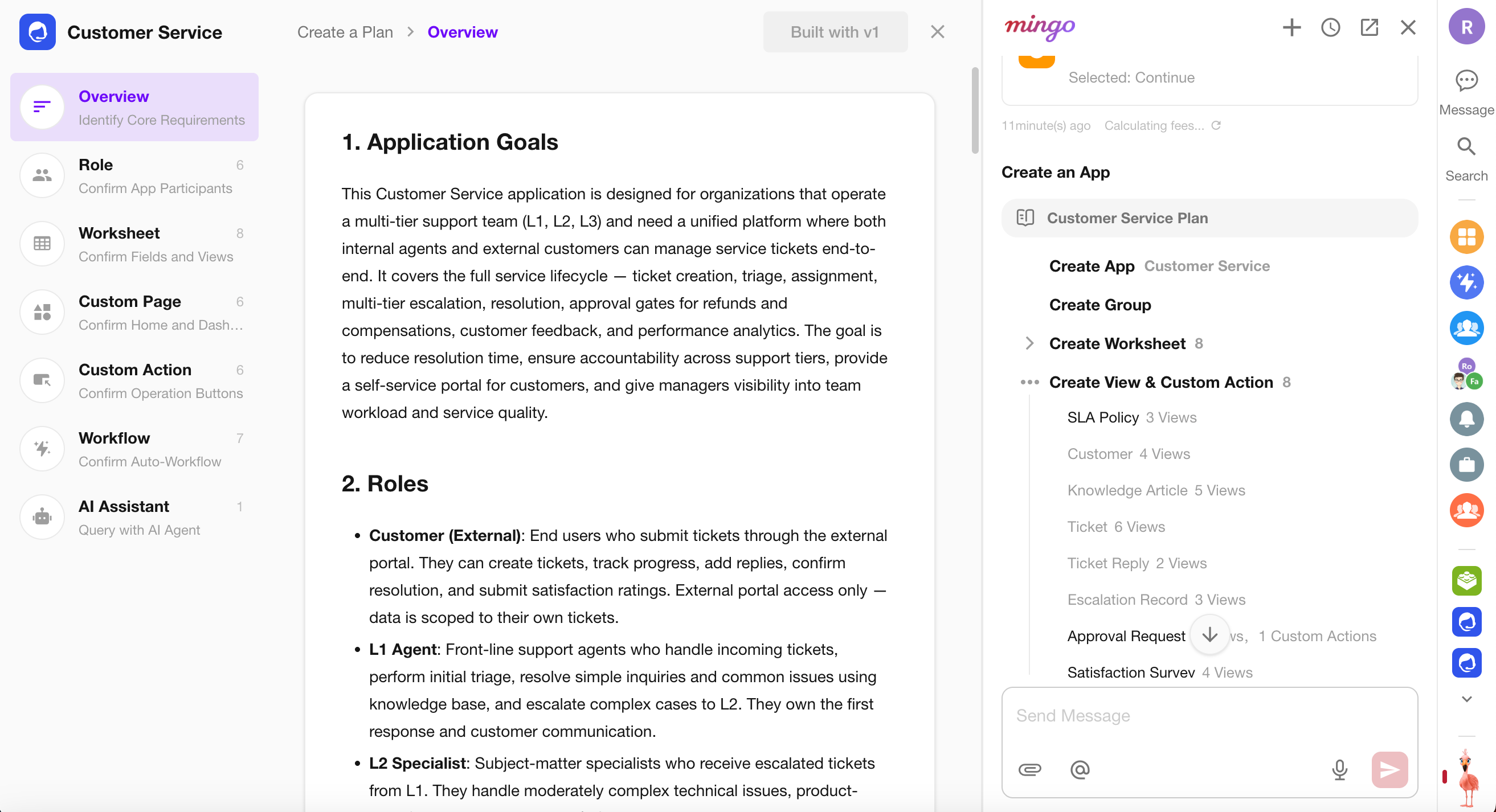
The AI Application Builder can automatically generate an application based on a business description. Simply describe your business scenario and management requirements, and Mingo will first generate an application blueprint for review. Once confirmed, it automatically creates the application structure and content—no coding or manual configuration required.
AI Worksheet Generation
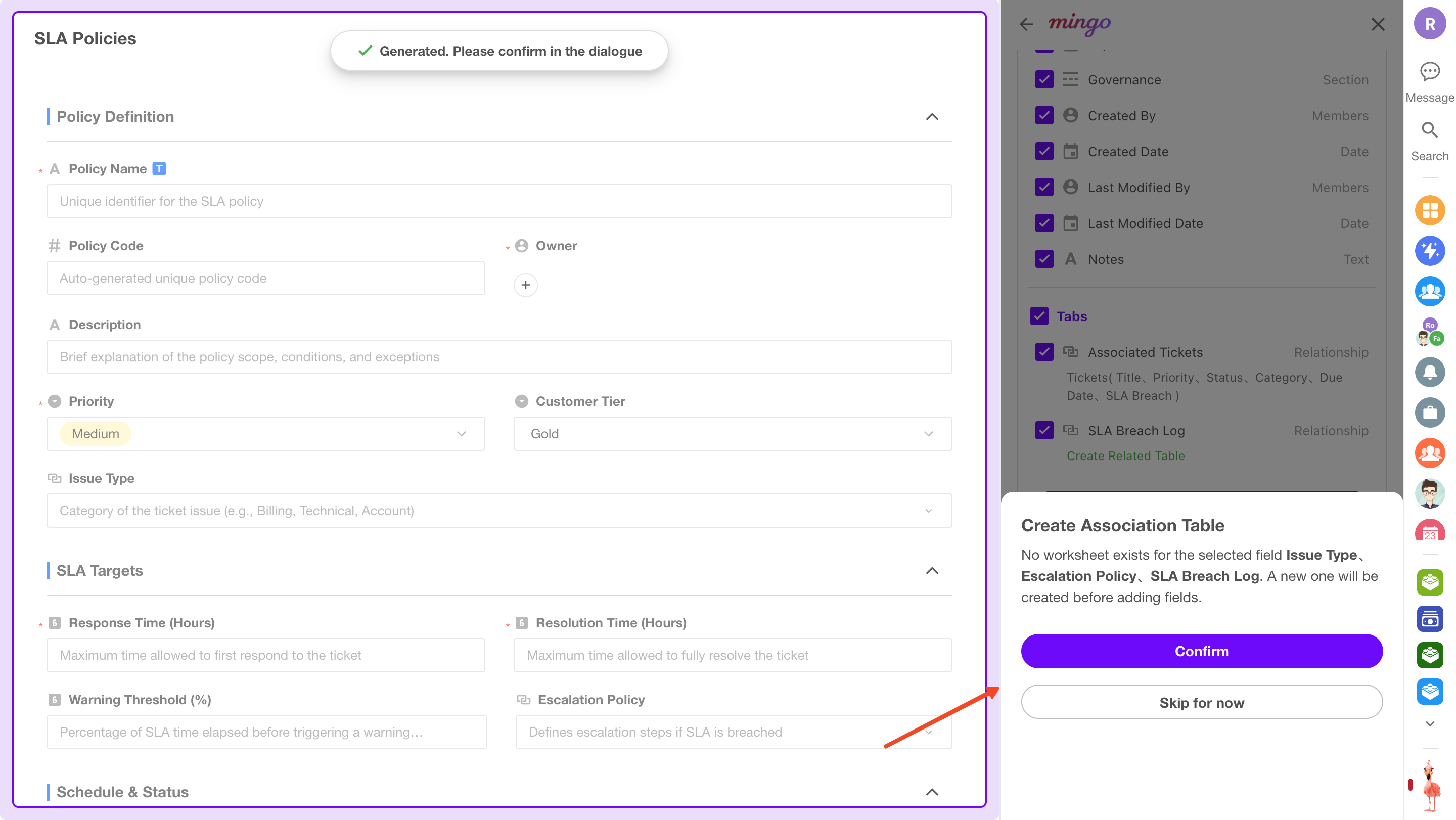
AI can automatically generate worksheets from natural language descriptions, including icons, fields, and layout configurations.
AI Sample Data Generation
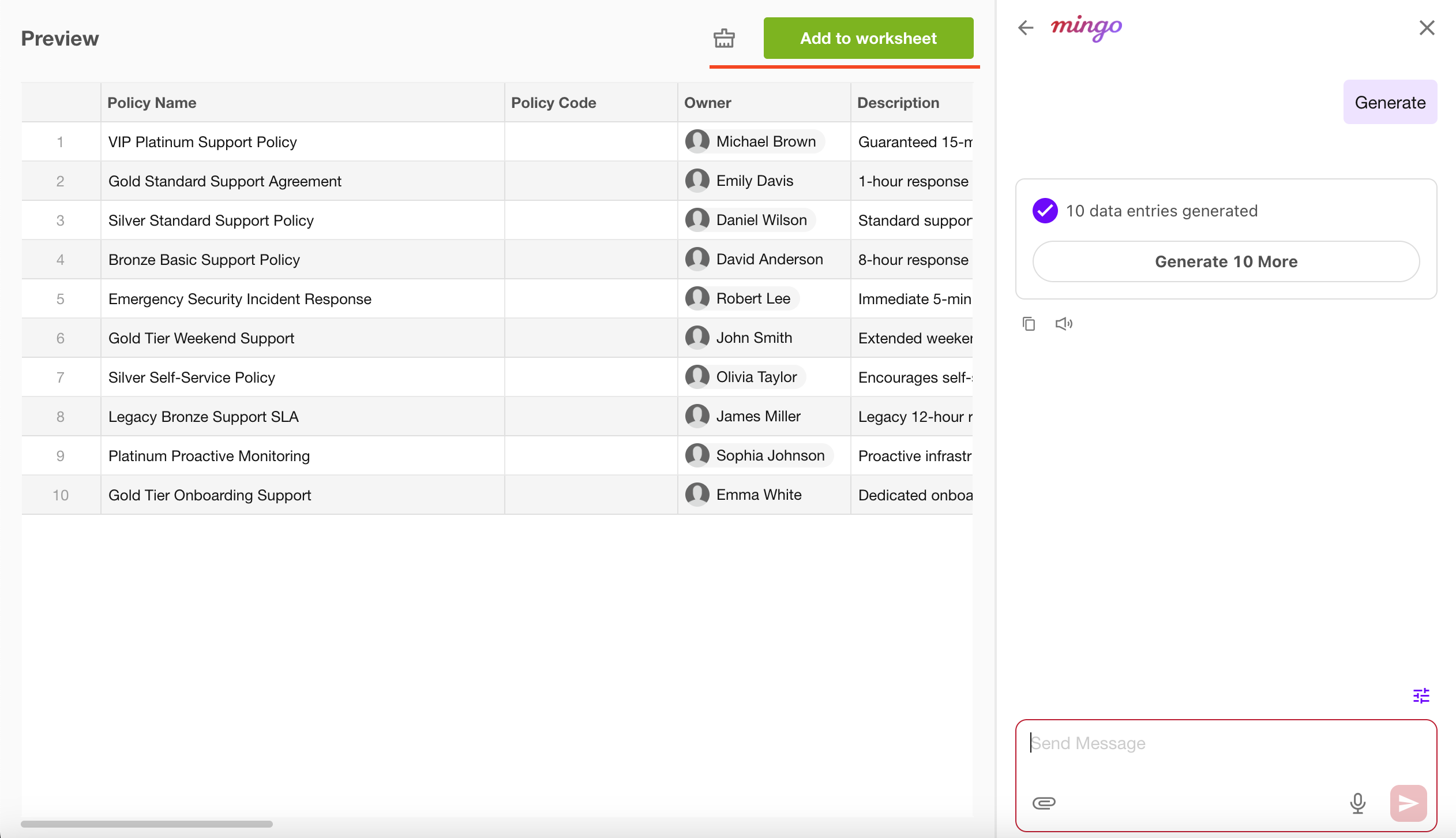
Generate realistic sample data for worksheets to accelerate testing, prototyping, and demonstrations.
AI Record Creation
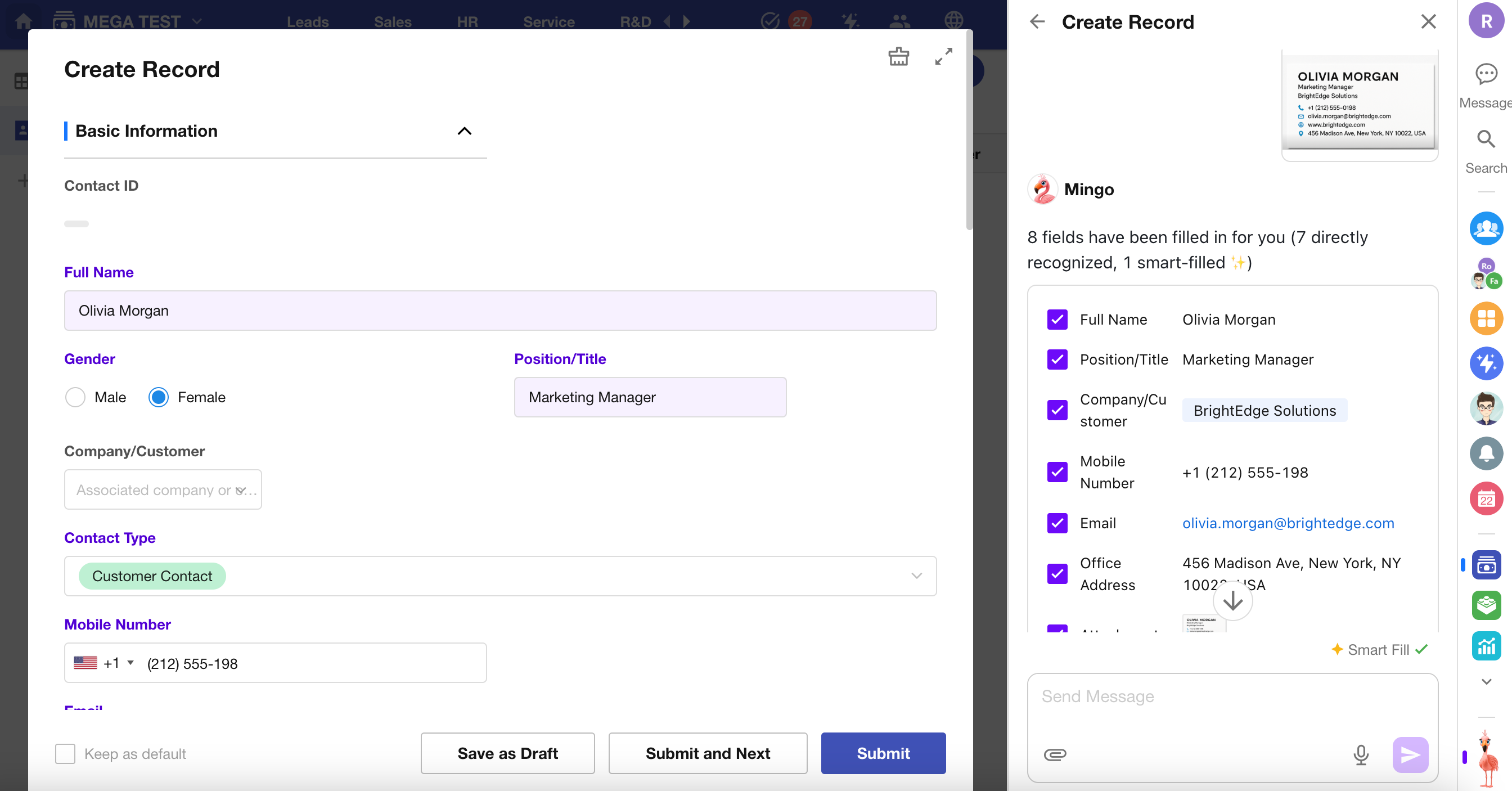
AI intelligently analyzes user input and uploaded images, then automatically populates the corresponding fields in a form.
AI Data Query
Mingo enables users to query, analyze, and maintain business data using natural language. For more information, see AI Data Processing.
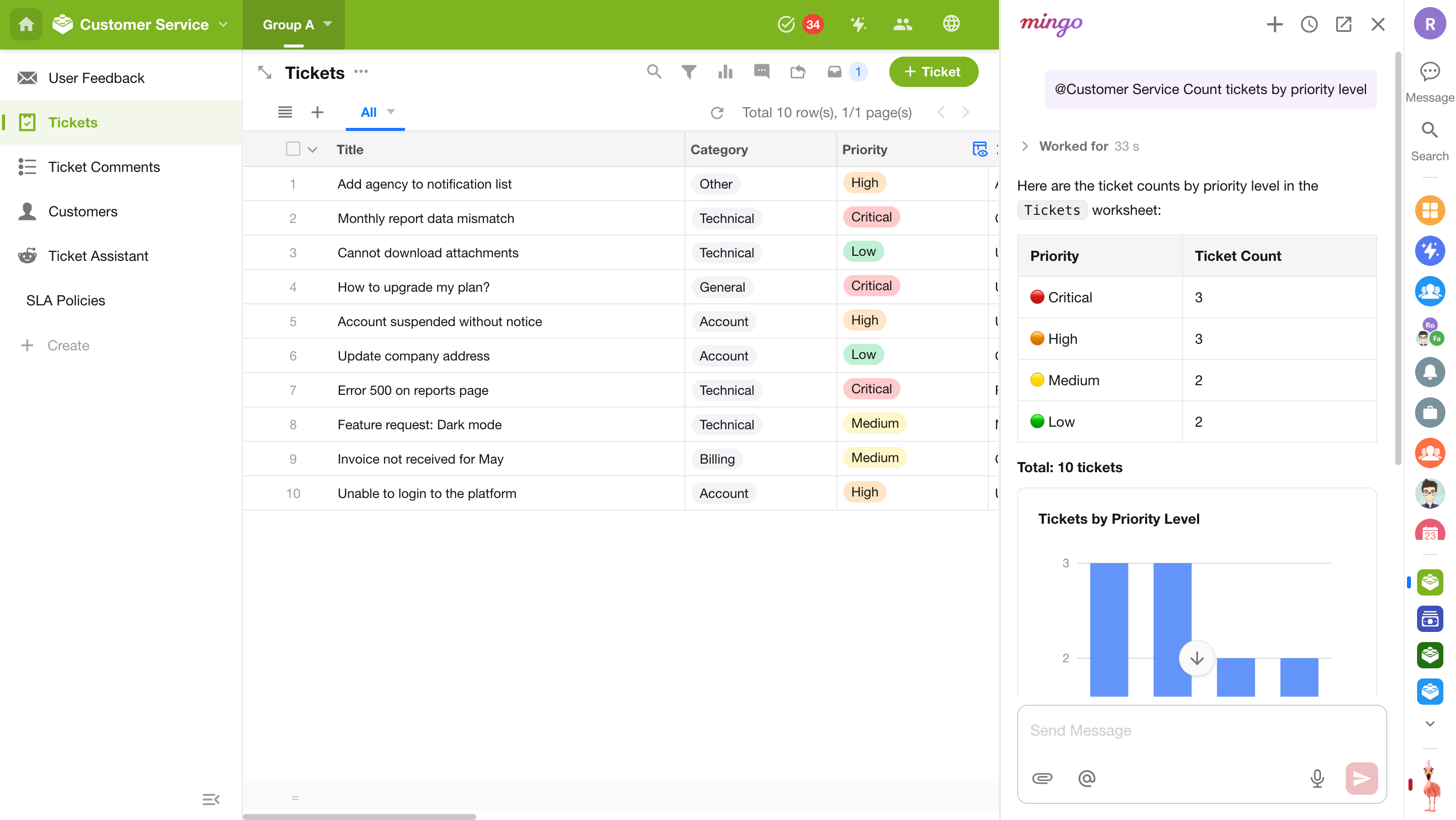
ChatBot
Users can interact with the ChatBot via multi-turn conversations. The ChatBot can identify user intent, perform create/update/delete operations on app data, summarize or analyze content, and drive business automation.
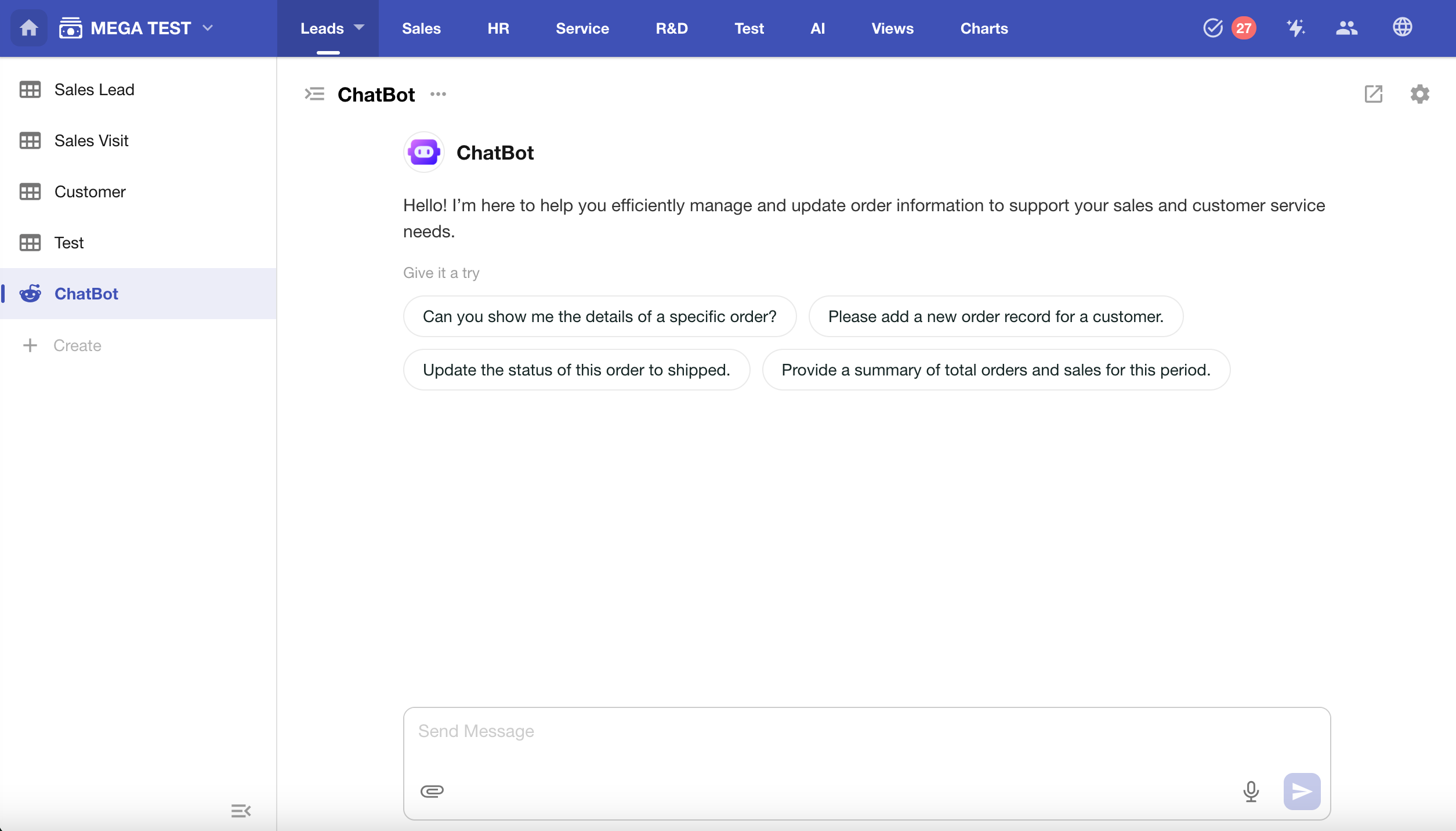
Vector Knowledge Base
The Vector Knowledge Base is HAP’s built-in semantic retrieval infrastructure. By vectorizing worksheet records, attachments, and discussions, it enables AI Agents and workflows to retrieve relevant knowledge based on semantic understanding rather than simple keyword matching.
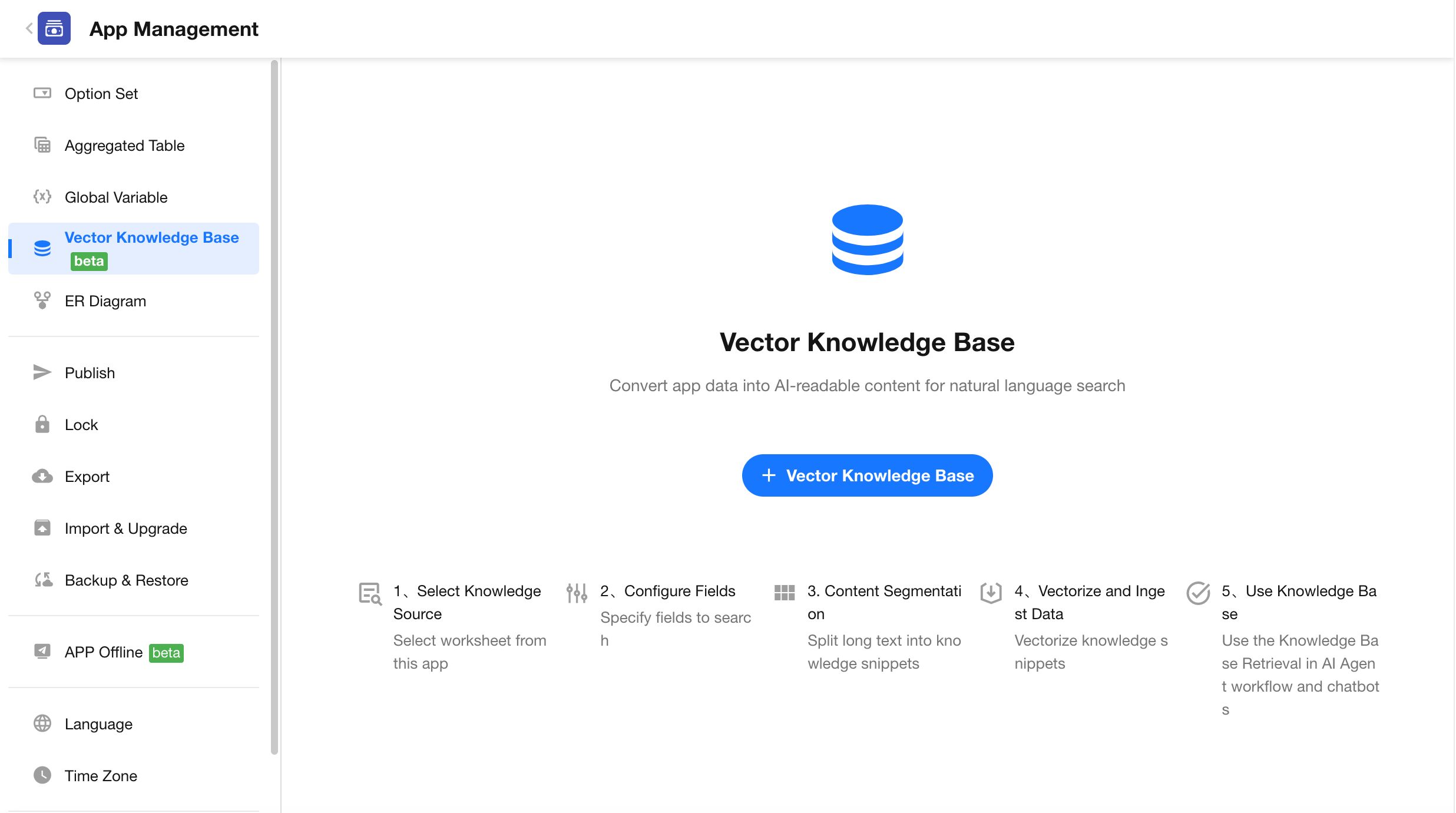
AI Custom Fields
You can generate fully customized field controls using AI-generated code via conversation. These fields support tailored UI and interaction logic. If you're familiar with React and Tailwind CSS, you can write or modify the code directly for further customization. Learn more about custom fields
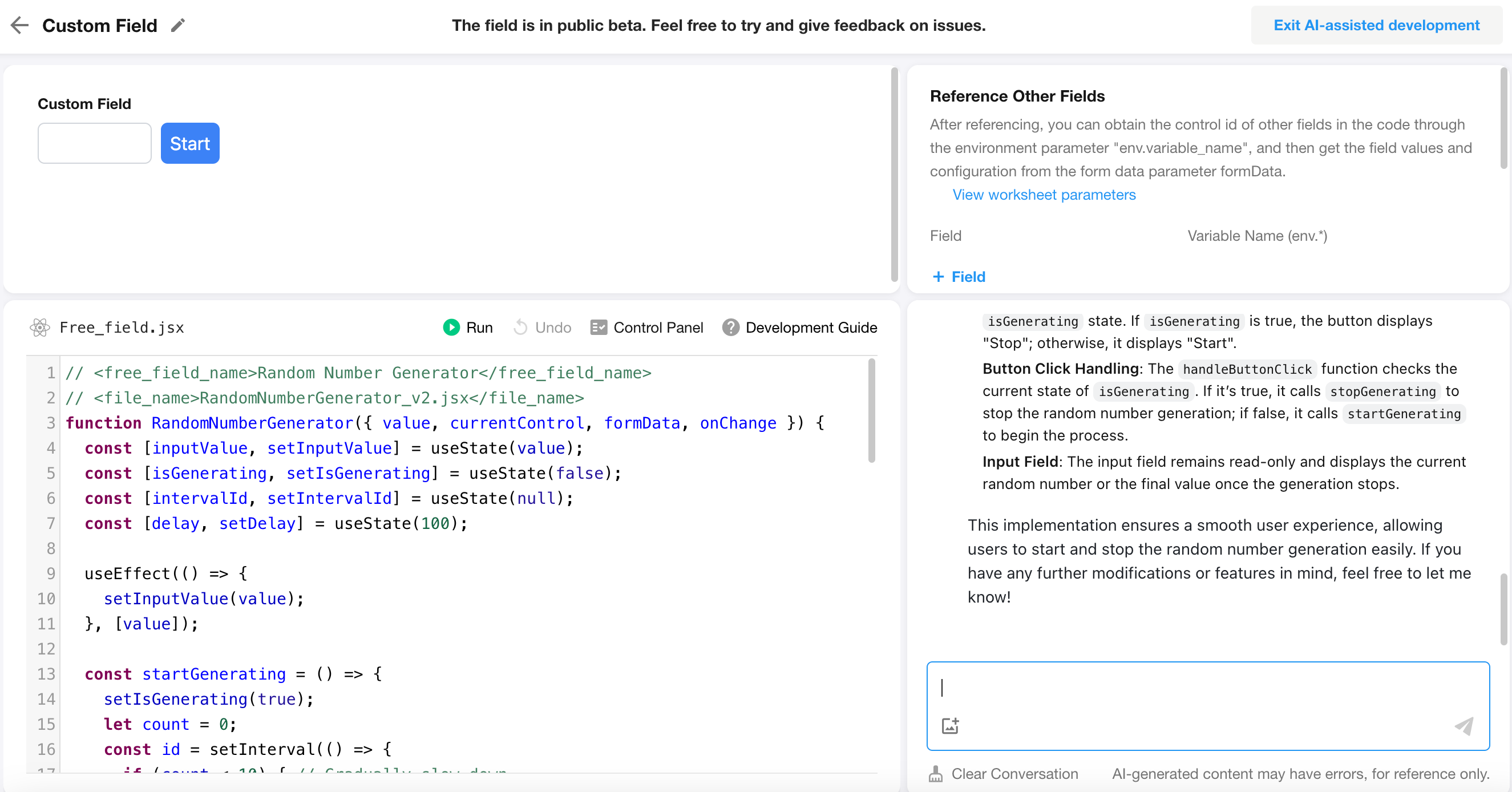
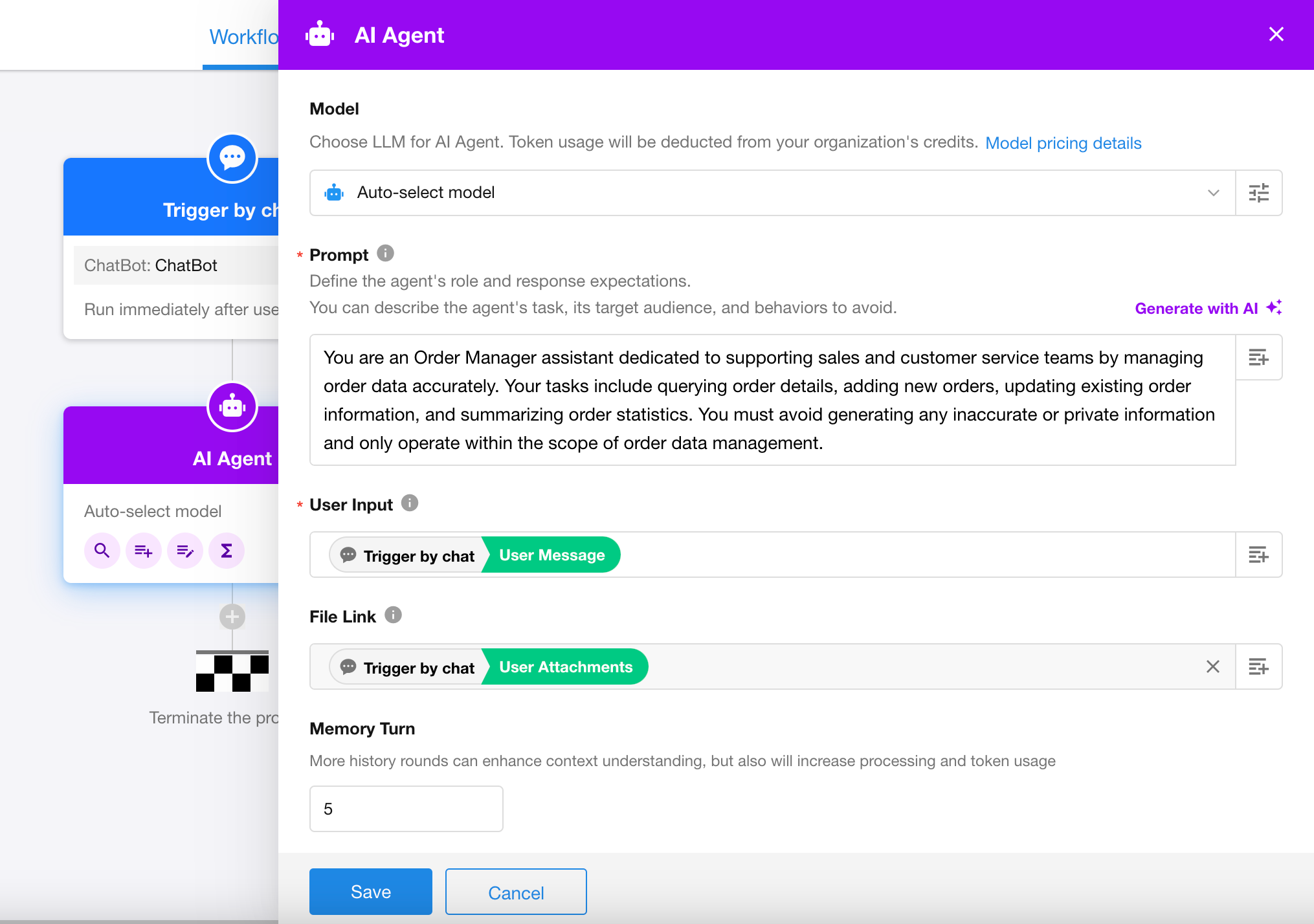
AI Agent
The AI Agent node in workflows can analyze user input, perform reasoning, and execute tools such as data querying, record creation, updates, API calls, or packaged business processes.
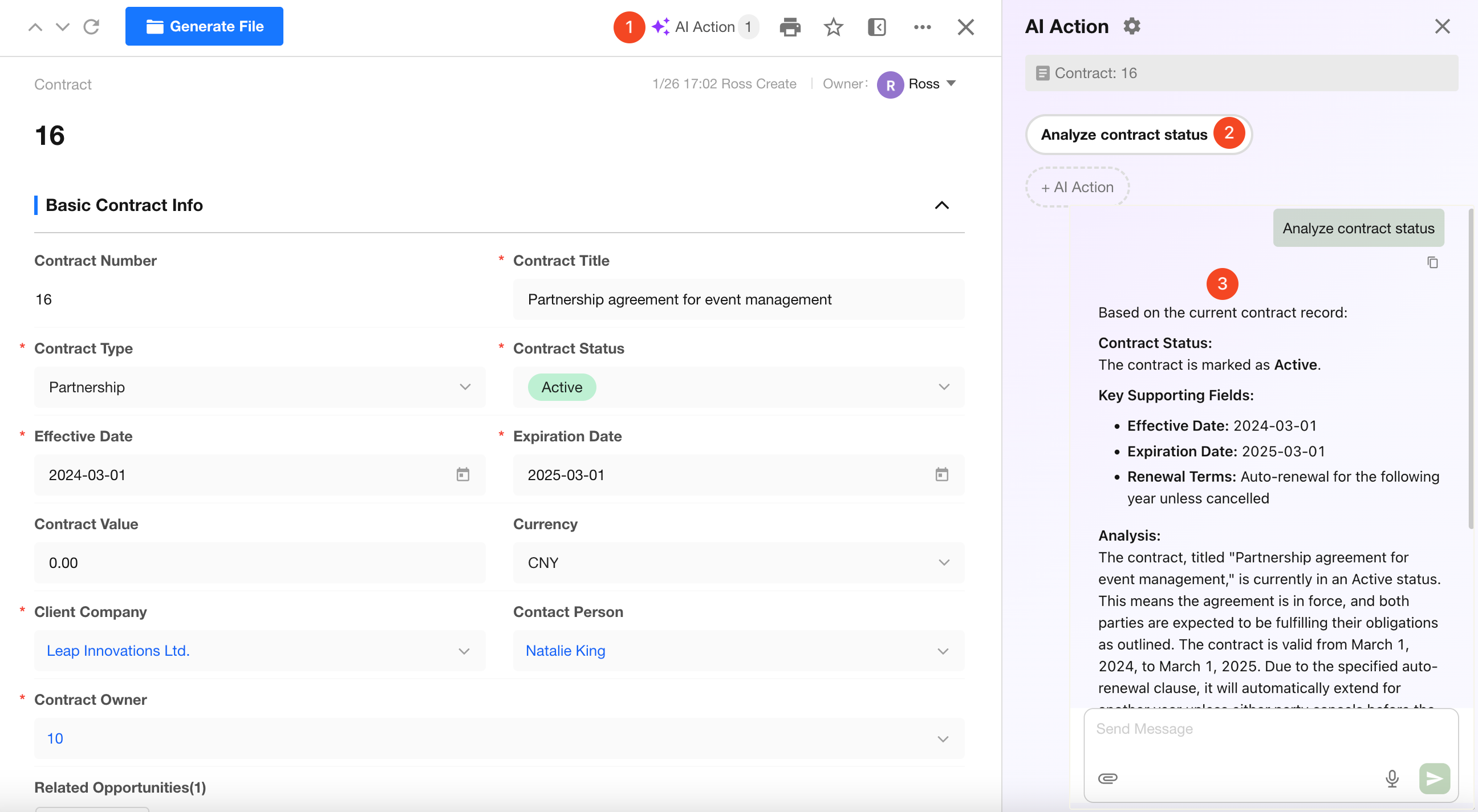
AI Action
AI Action provides an entry point to start record-based conversations directly from a record detail page.
Click any AI Action to open a multi-turn conversation centered on the current record. The system automatically injects contextual data—such as record fields, discussions, and logs—and continuously generates results based on the configured prompt, model, and tools.
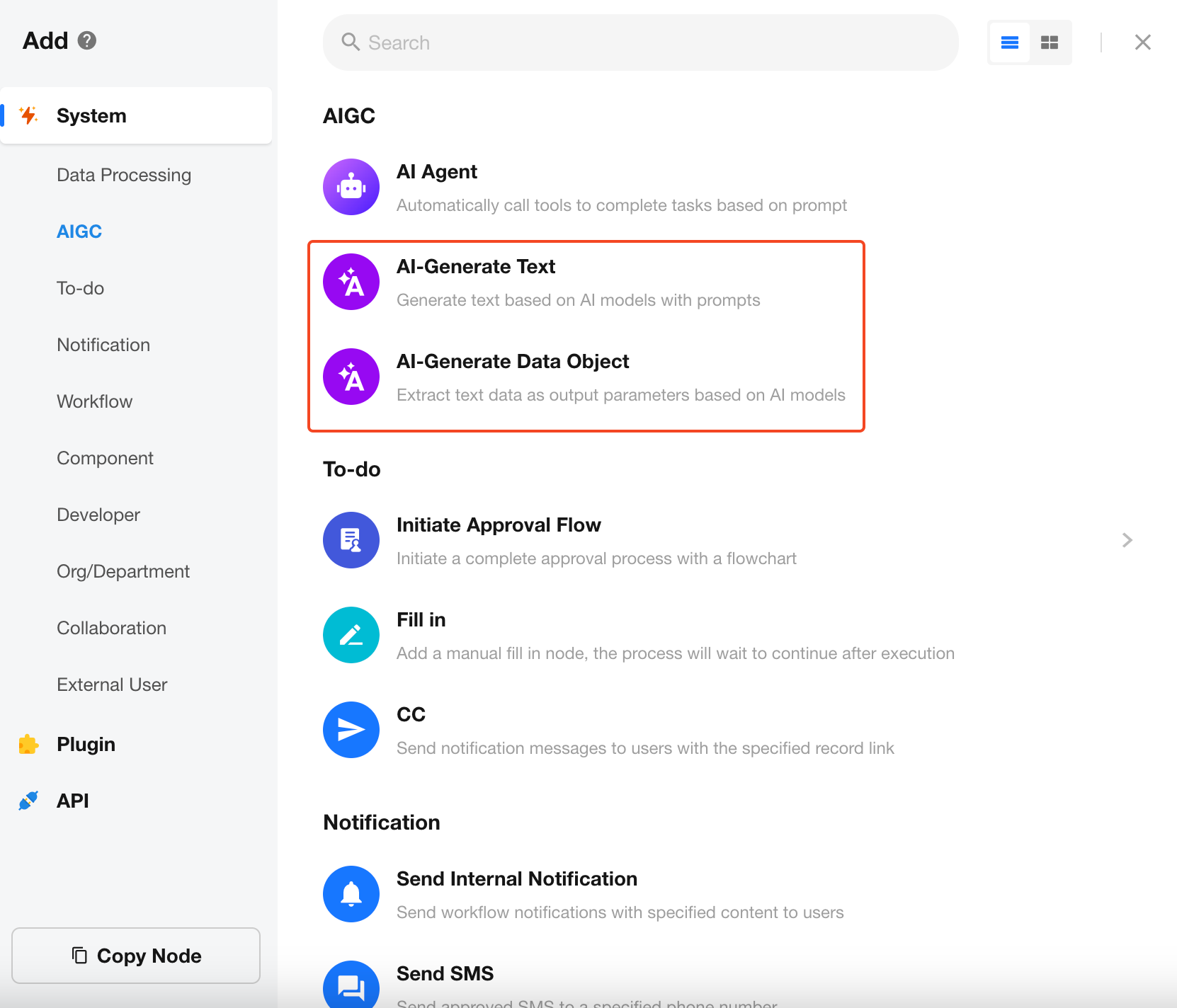
AI-Generate Text/Data Object
Leverage AIGC capabilities to assist with content creation and improve productivity. This includes the AI Text Generation and AI Data Object Generation workflow nodes.
Knowledge Retrieval Node
The Knowledge Retrieval node in workflow supports multi-modal retrieval (semantic search, keyword search, and hybrid search) across multiple knowledge bases and applications. It returns highly relevant results as structured arrays, including text snippets, sources, and relevance scores, which can be used for AI Q&A, data population, or workflow automation.
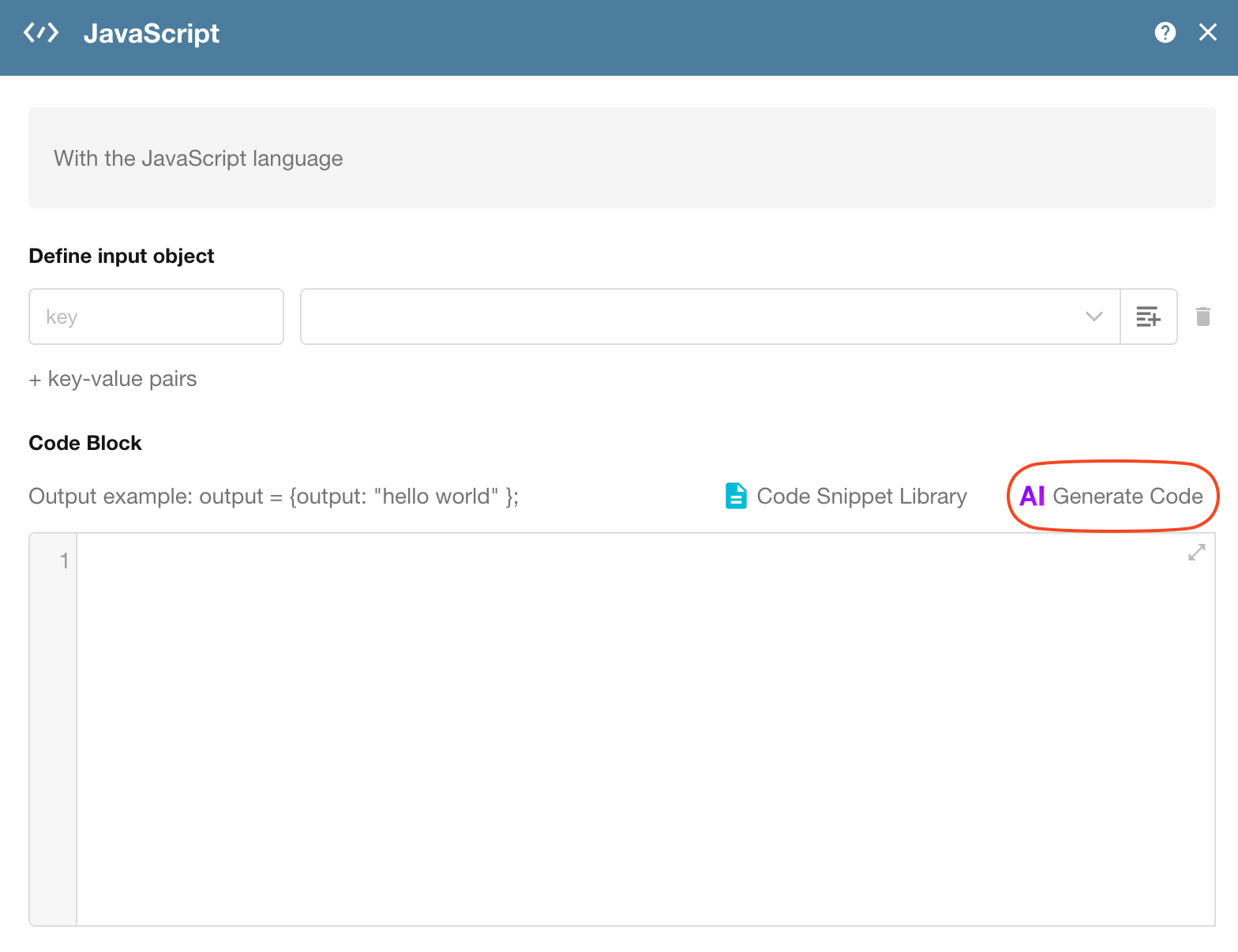
AI Code Block Generation
In the Code Block Node within a workflow, AI can generate JavaScript or Python code based on a functional description provided by the user. The generated code complies with block specifications and is ready to use.
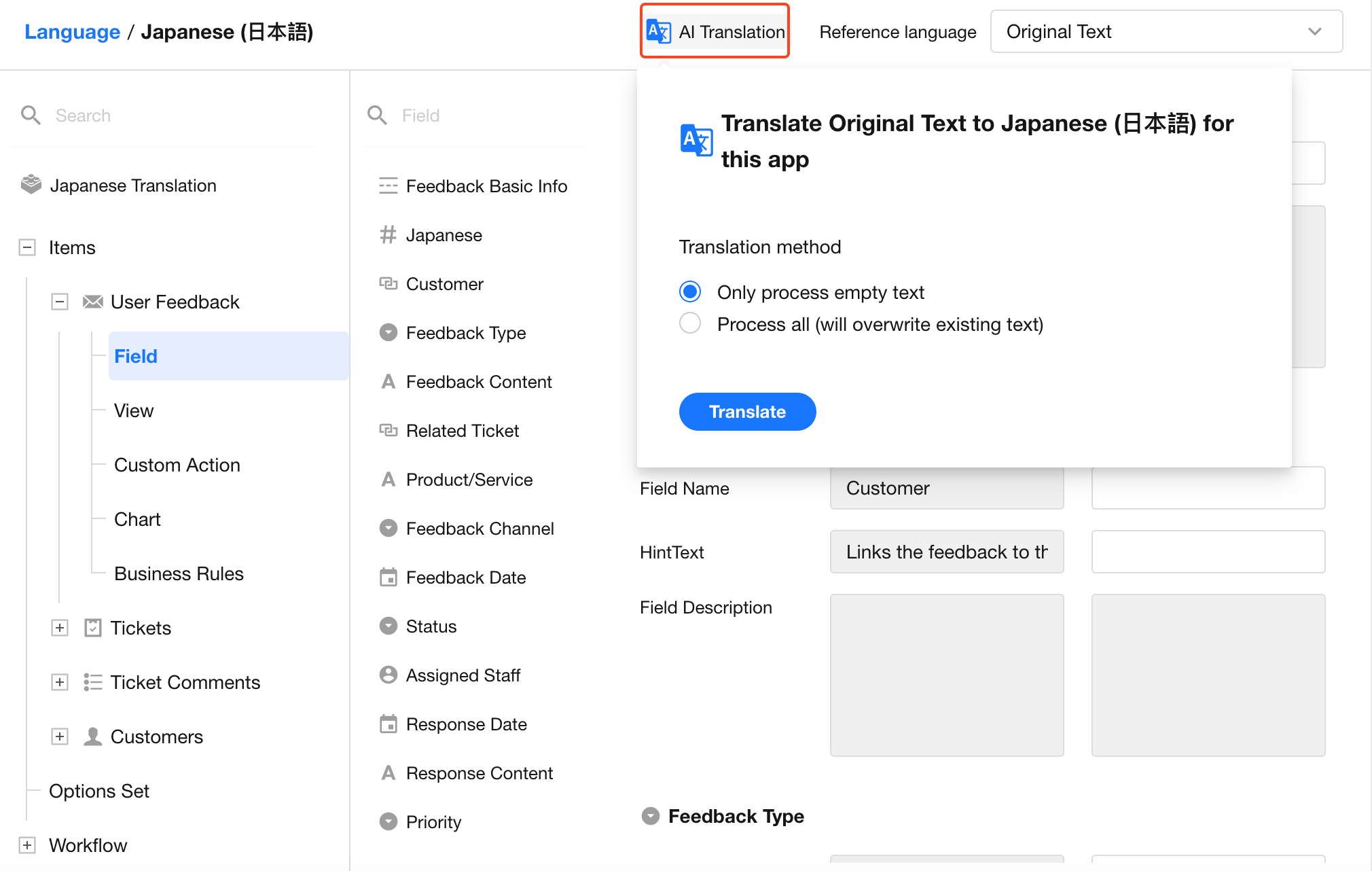
App Multilingual Support
Powered by advanced natural language processing models, the AI Translation feature offers one-click translation of your app's content. This allows your application to easily support multilingual collaboration scenarios.
MCP
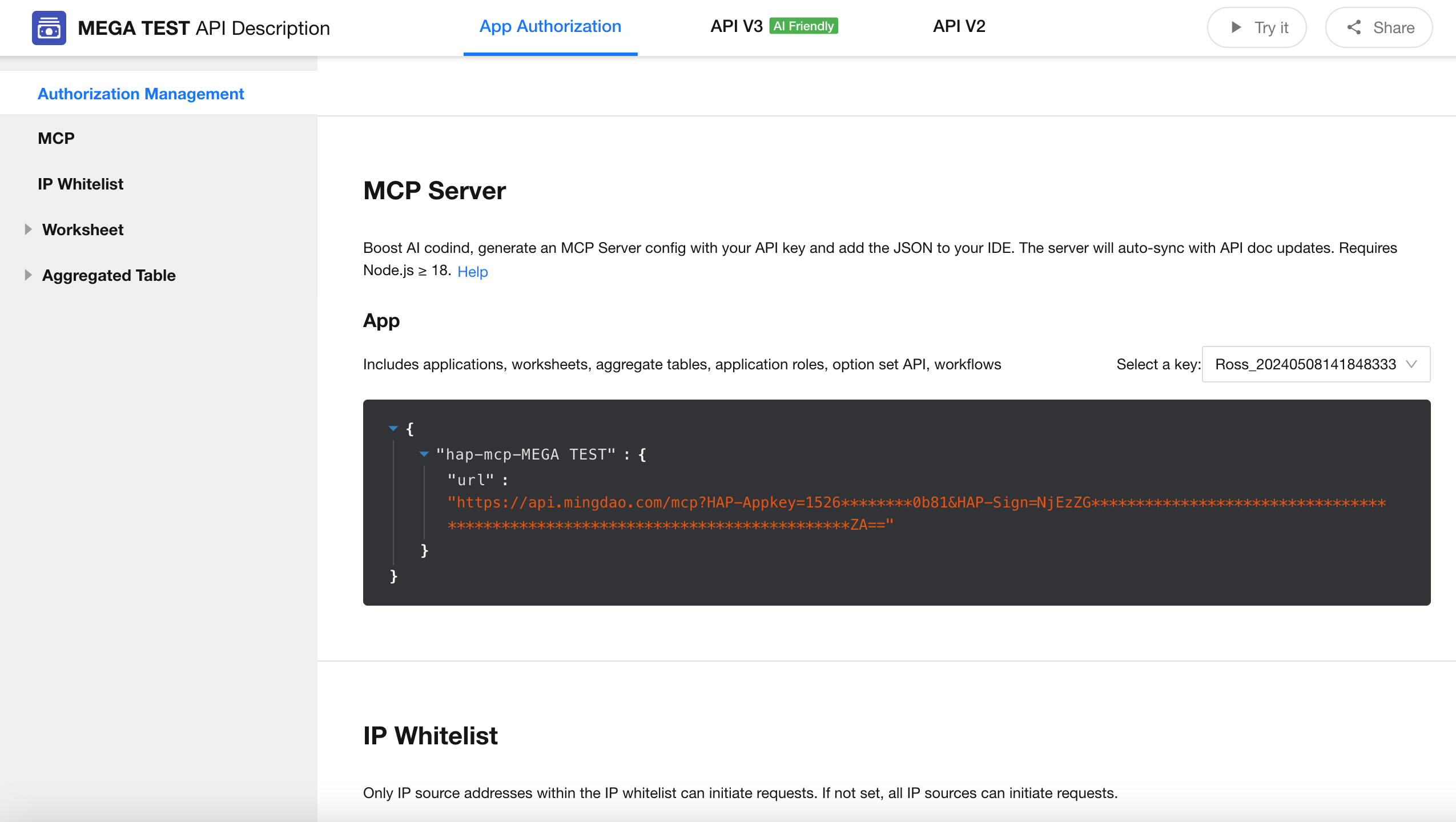
MCP enables AI-assisted development. Generate an MCP Server configuration using your API key, and add the JSON configuration below to your IDE’s MCP configuration file. When API documentation is updated, the MCP Server will automatically stay in sync.
Extensions
HAP for VS Code
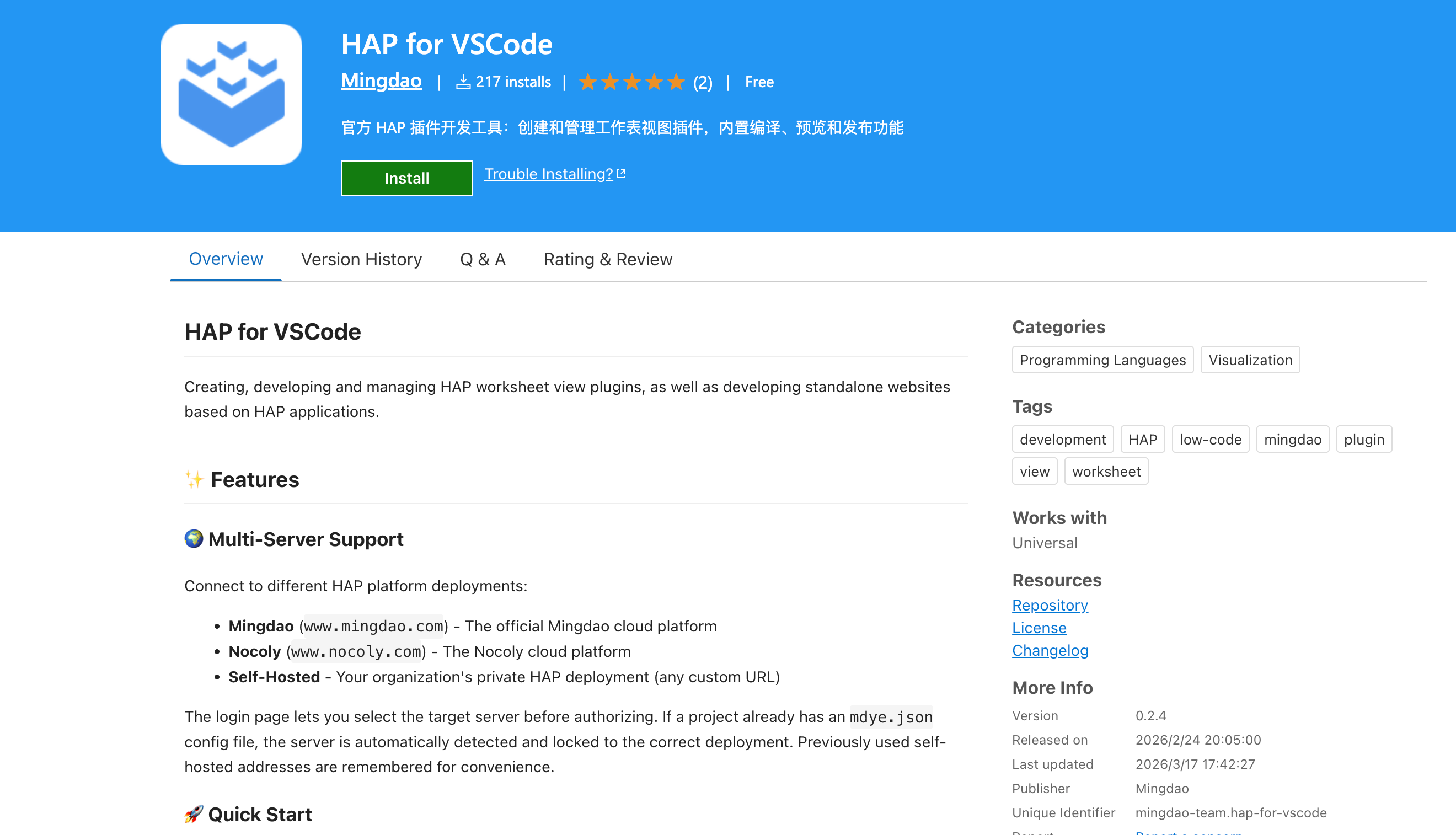
HAP for VS Code is the official VS Code extension for HAP. It integrates the entire development lifecycle—including building, debugging, submitting, and publishing view plugins—into a single sidebar panel, allowing you to complete all tasks without leaving the editor.
Dify
In Dify, you can use HAP’s built-in tools to create an application assistant that enables Q&A based on real-time application data.
Was this document helpful?